
Heard, not read
Lumi explains every world with an animated walk-through and her own voice, in Spanish and English. The text underneath is a caption, not the lesson.
 CapiSteps

Computational thinking · ages 5 to 10
Capi is a capybara who does exactly what she is told, no more and no less. Your child writes her route with coloured blocks and works out, without anyone explaining it, what a sequence, a loop and a function are.
No ads · No account needed to play · Works offline
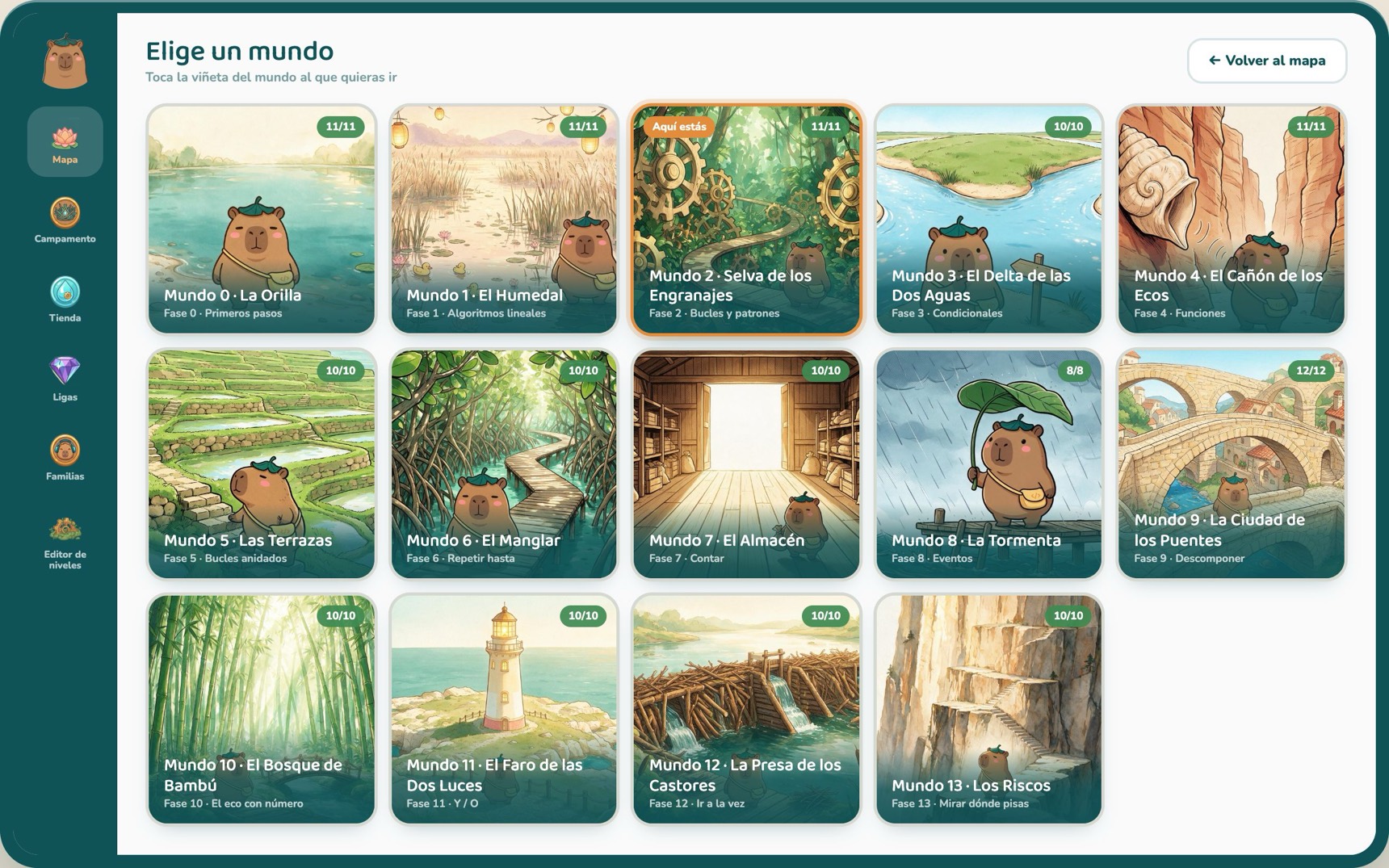
The progression is not a marketing promise: each world introduces one concept and none of them arrives before the one it builds on. Here they all are, in order.


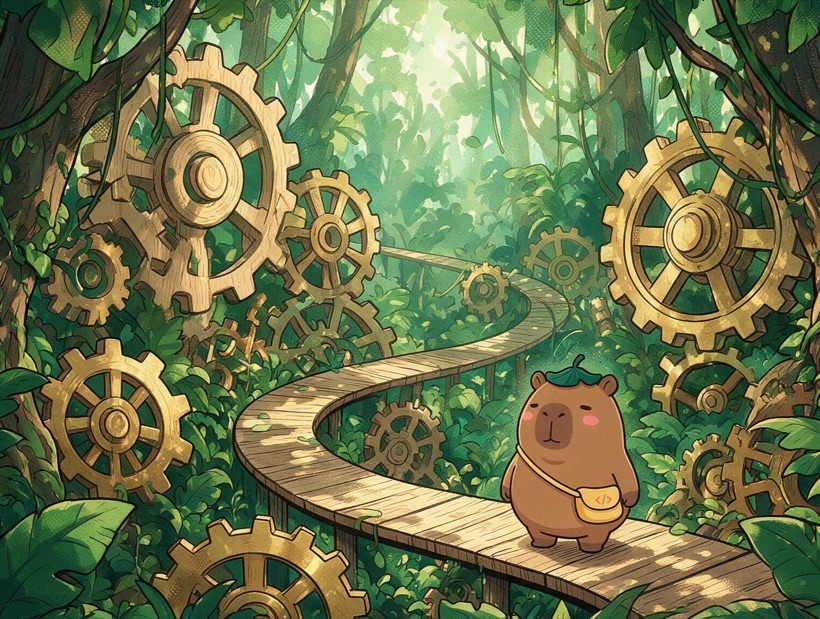
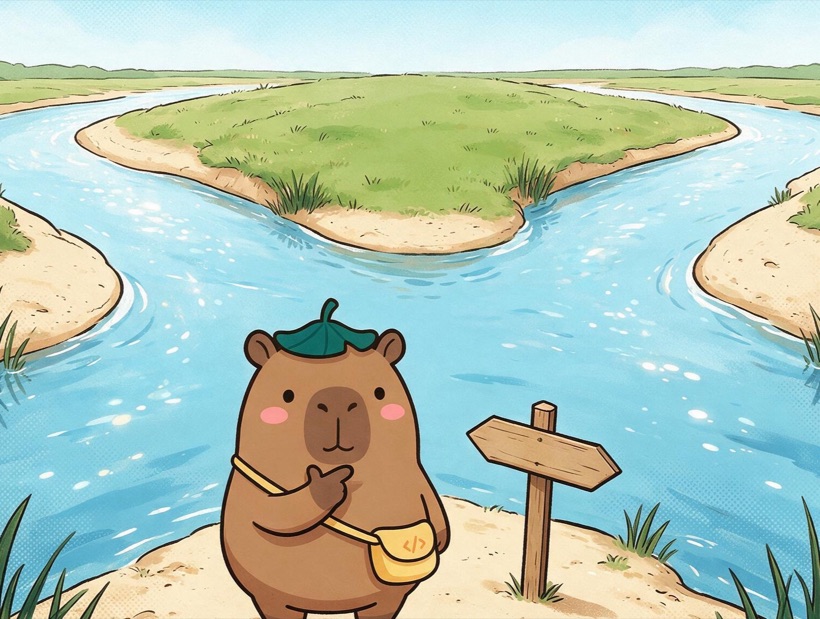

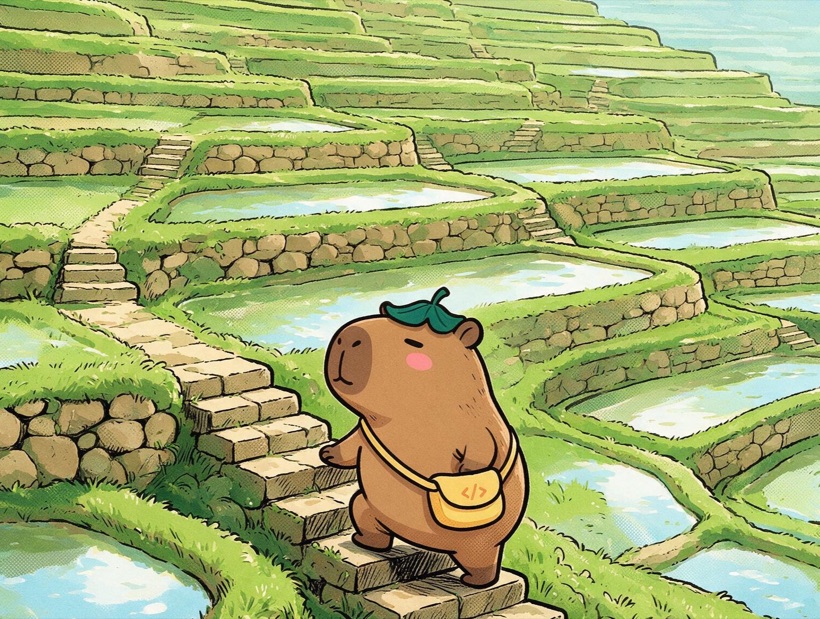

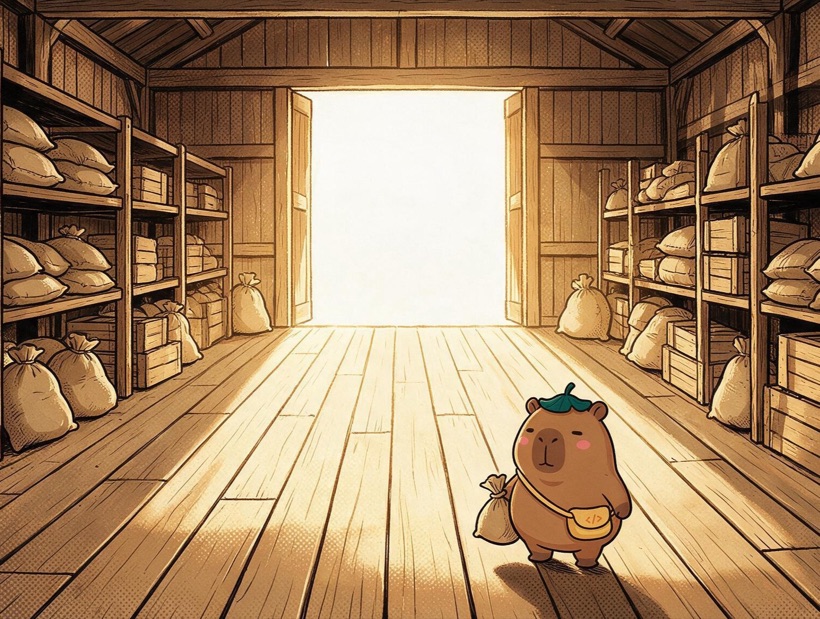

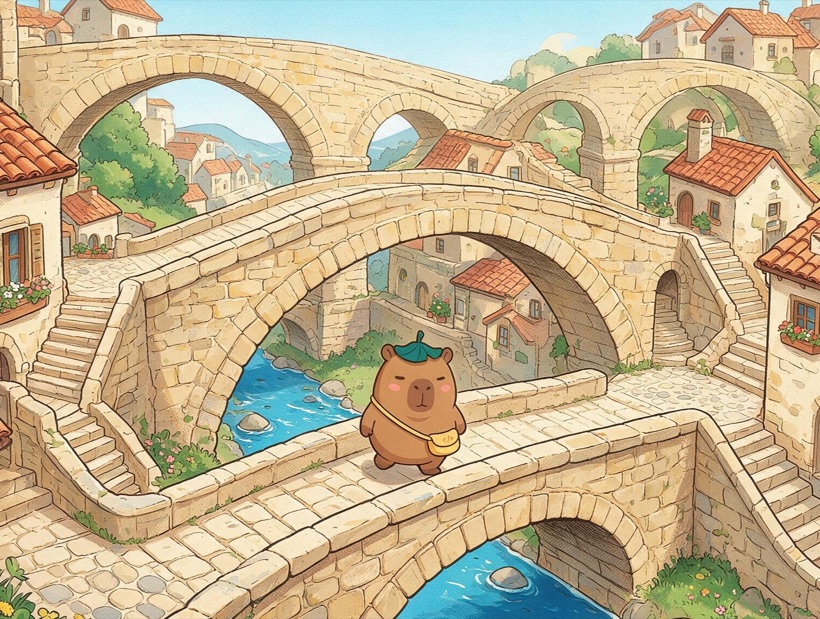

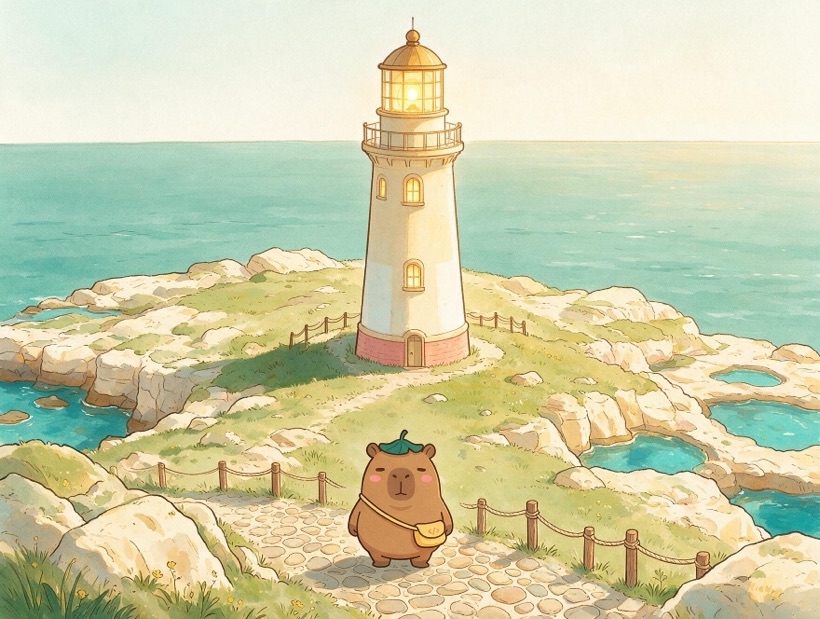
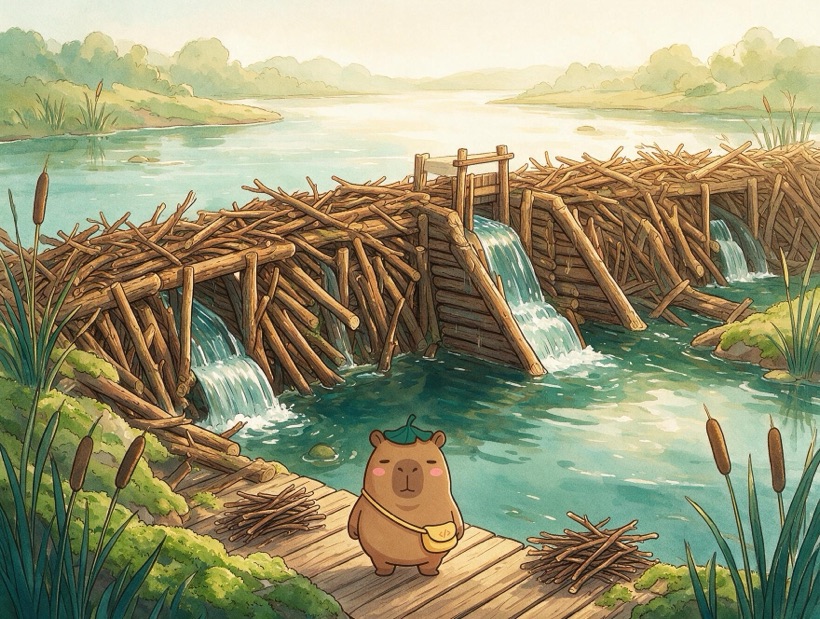
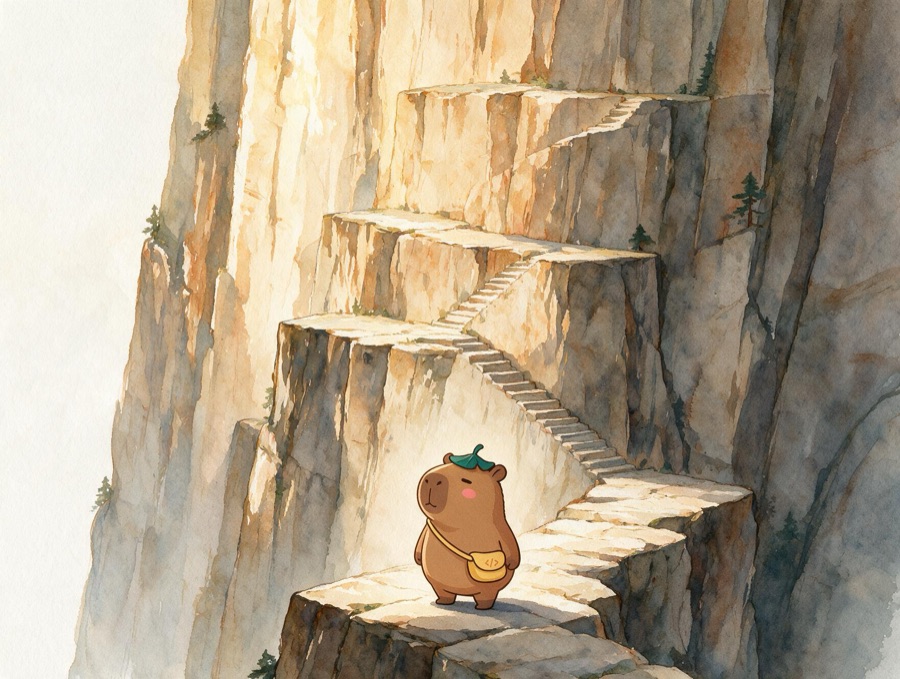
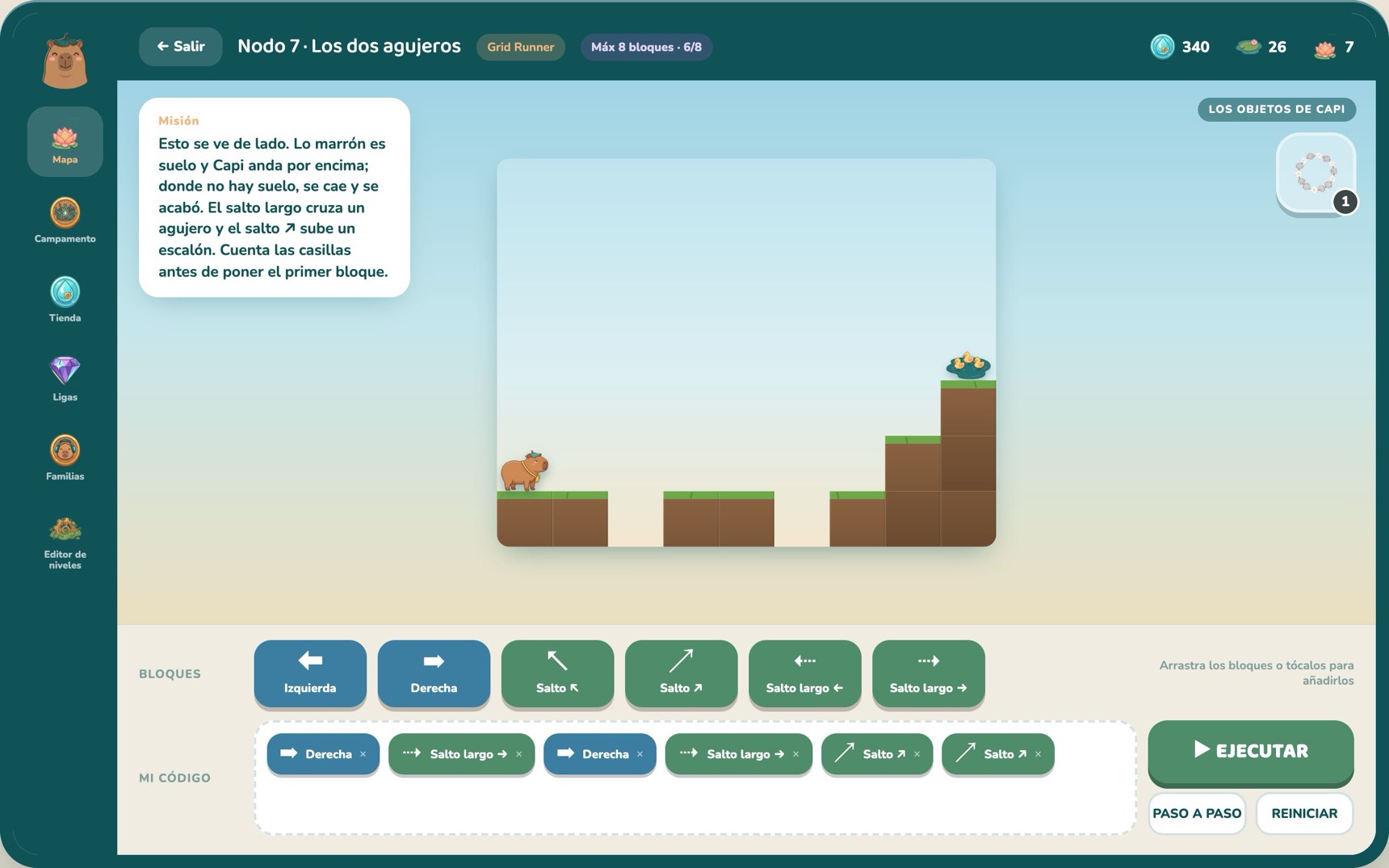
It starts with no turning and no reading, with four arrows that say where to go, and ends in functions with a parameter, double conditions and two programs running at once. That is 144 levels: at one node per session, a long school year. Every level declares which blocks it offers, so what is being practised is known in advance.
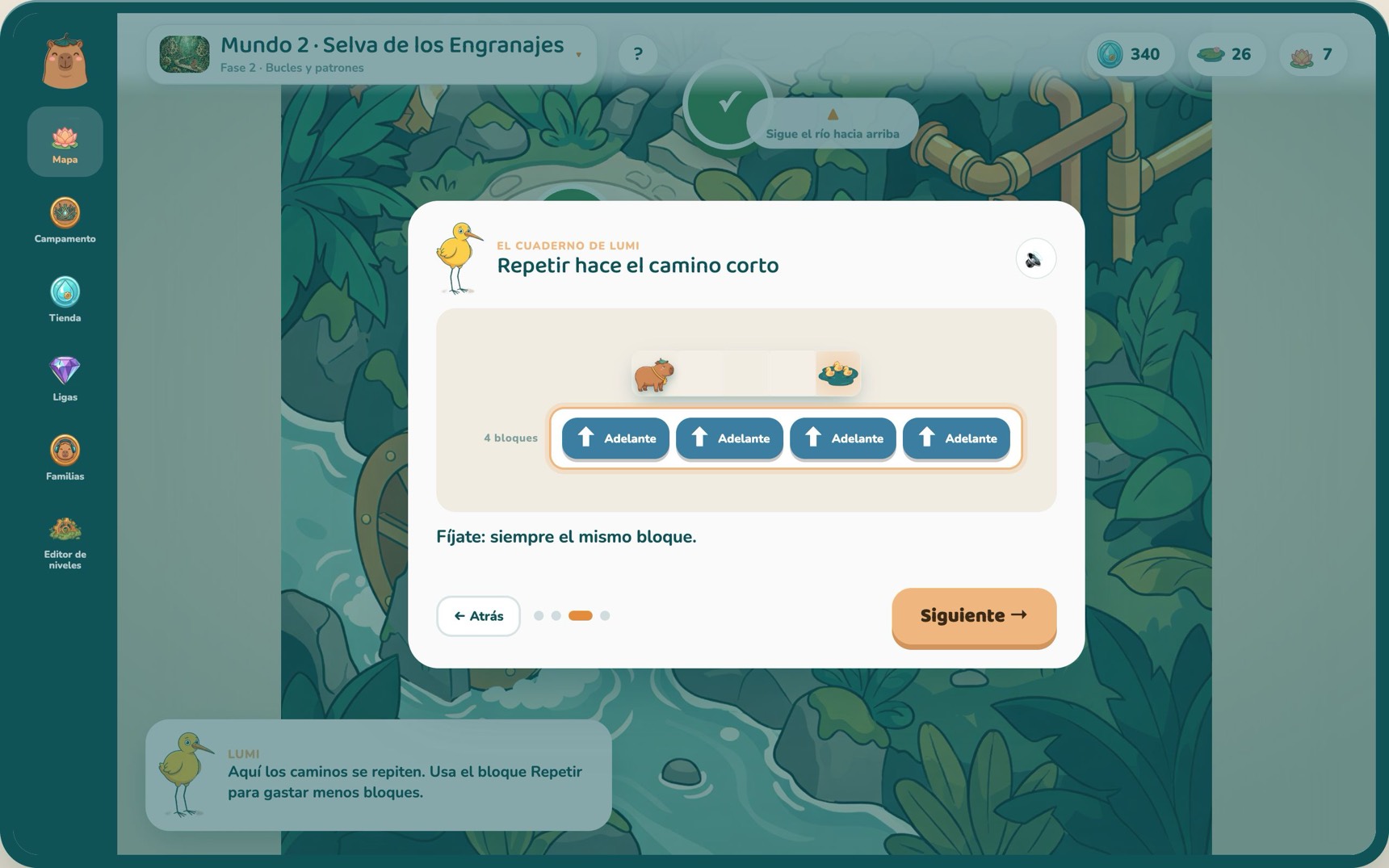
Lumi explains every world with an animated walk-through and her own voice, in Spanish and English. The text underneath is a caption, not the lesson.

There is no typing, but this is not something else dressed up as coding: sequences, loops, conditionals, functions and parameters are exactly what they are anywhere.

No lives, no timer, nothing lost by taking your time. Look at what Capi did, change a block, run it again. That is debugging.
It is built for a tablet in landscape and for a short session — the one a five-year-old actually sustains.
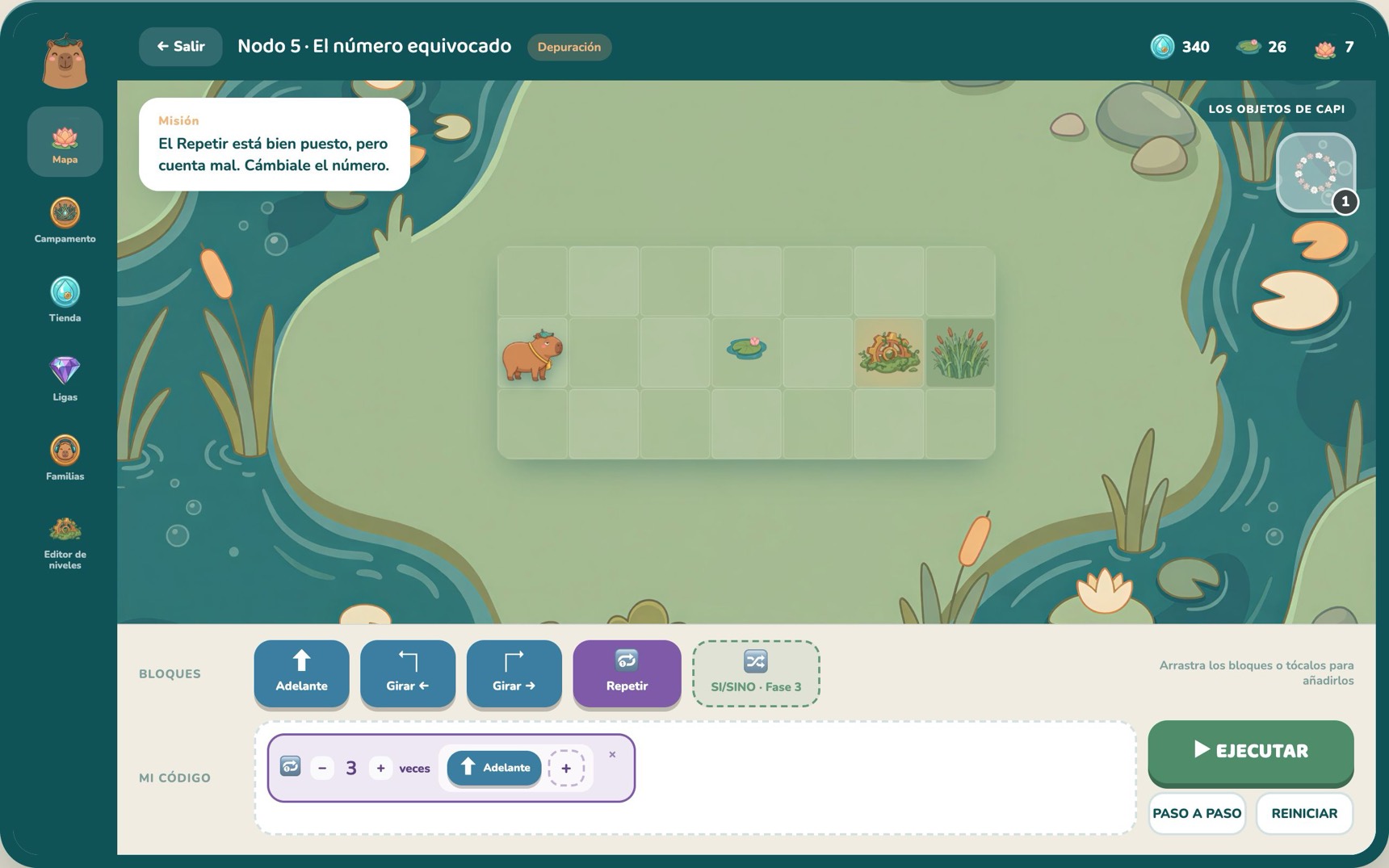
Capi does what the program says and nothing else, and the same program always gives the same result. If something goes wrong, the program is at fault and can be found.
You do not steer Capi with a finger: you write the whole route and then run it. That difference is what separates playing from programming.
Many levels carry a block budget that does not fit if you write the steps out by hand. That is what pushes a child towards a loop instead of repeating.
It works on whatever wifi there is and on the tablets already handed out.
Open it and play. No sign-up, no class codes, nothing to configure before the session starts.
The whole level list is public, with each world’s goal, where nearly everyone gets stuck and what to ask instead of solving it.
Spanish and English with one tap, and not just the interface: the level briefs, Lumi’s explanations and her voice. It works in an English lesson too.
The guide prints and works as a lesson plan or to send home. None of it sits behind a form.
The Family zone shows what the save can prove, and nothing else. If a number cannot be worked out from what the child has played, it is not on the screen.
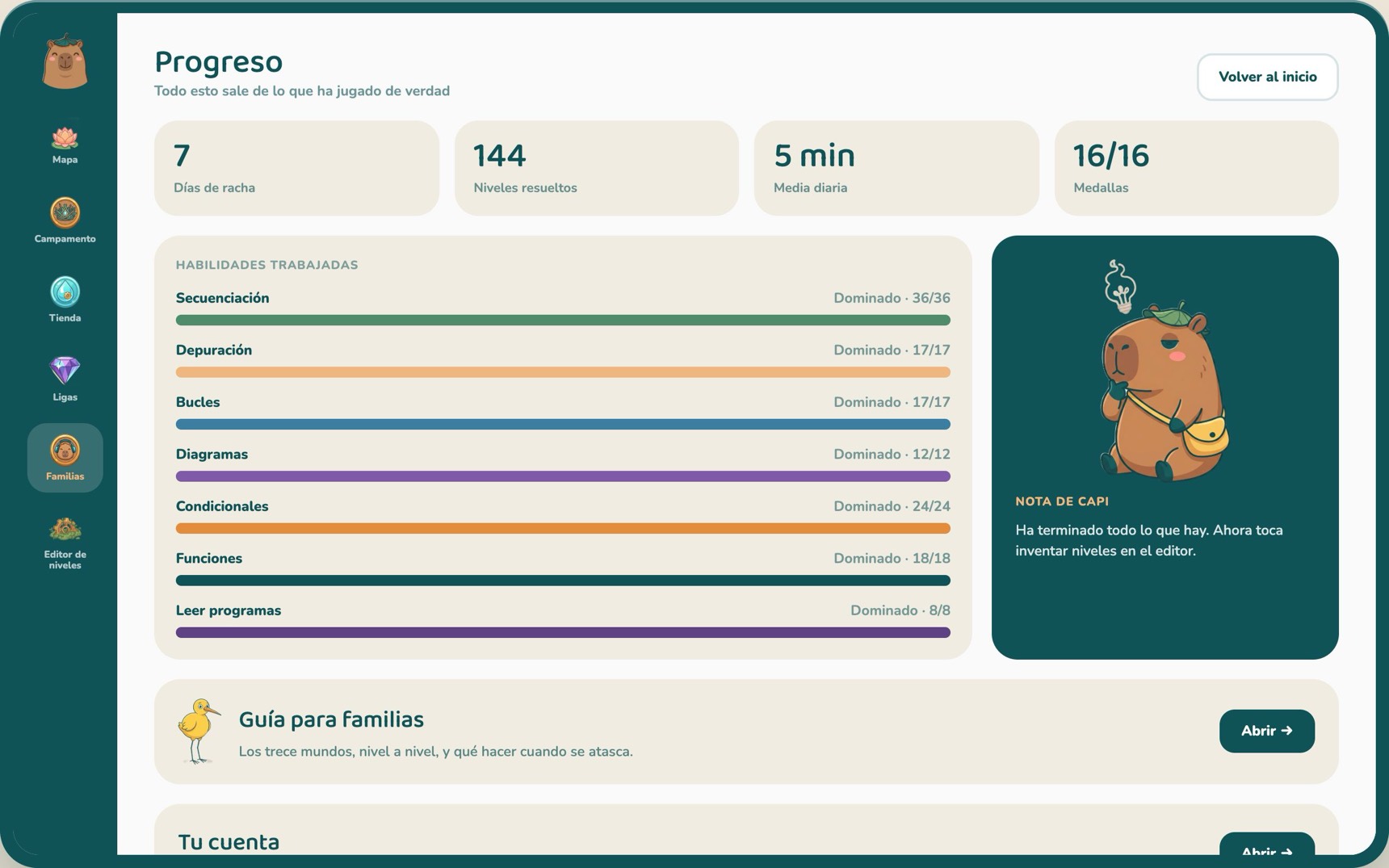
The bars go by level type — routes, debugging, diagrams, conditionals, functions — which is what the game actually measures, rather than by invented categories.
Minutes per day for the last fortnight, and the streak. The streak breaks on a skipped day, not at midnight: nobody wakes up having lost it.
One account holds several profiles, each with its own save. Switching child does not mean signing out.
Every line below can be pointed at in the privacy policy. If it is not written there, it is not promised here.

Two children, five and eight, played one afternoon with nobody helping them. The older one was fine. The younger one did not struggle with any level: he struggled with turning, because «left» is Capi’s left and not the screen’s. That is where World 0 came from — it takes turning out of the way and teaches it afterwards, one variable at a time. It is one afternoon and two children, and it is reported as exactly that.
The first two worlds are free and complete: 22 levels with an ending. The level editor is free too.
The rest opens with a [PRECIO] per [PERIODO] subscription, for the whole family and every device. Cancel it from the Family zone whenever you like.
Price still to be set before launch.
The first two worlds can be played right now, without leaving anything behind. This is only for the day we open the others: we write once and that is it. No newsletter, no tracking, and it is passed to nobody.
From five. The first world exists for that age precisely: no reading and no turning, just saying where you want Capi to go.
No. Lumi explains every world out loud and the walk-throughs are animated. The text goes along with it; it is not in charge.
None yet, and that is deliberate. It teaches the ideas — sequence, loop, conditional, function, parameter — with blocks. They are the same ideas that later get written in Python or anything else, and at five, typing is not the obstacle worth putting first.
Not to play. An account only turns on syncing between devices, the league and the subscription, and it lives in the Family zone where the adult is.
Yes. The whole game, the voices and the fonts are served by the game itself. With no network it simply does not sync.
About three minutes: one node. There is no timer and nothing is lost by taking longer.
In the browser, and it is built for a tablet in landscape. It works on a computer too.
Progress: which nodes are done, their coins, their hat and the minutes played each day. With no account, none of that leaves the device. It is listed column by column in the privacy policy.
The first two worlds in full, 22 levels with an ending, and the level editor. It is not a demo cut in half.
Yes, with nothing to prepare: no sign-up and no class codes. The full level list, with each world’s goal and where nearly everyone gets stuck, is public and printable.
Whenever you like, from the Family zone. And deleting the account really deletes the data, including profiles that had already been removed.
It opens in the browser and you start playing.